Why You Need DMARC Enforcement Before BIMI Will Work
BIMI requires DMARC at p=quarantine or p=reject. Learn why and how to reach enforcement to display your logo in email.
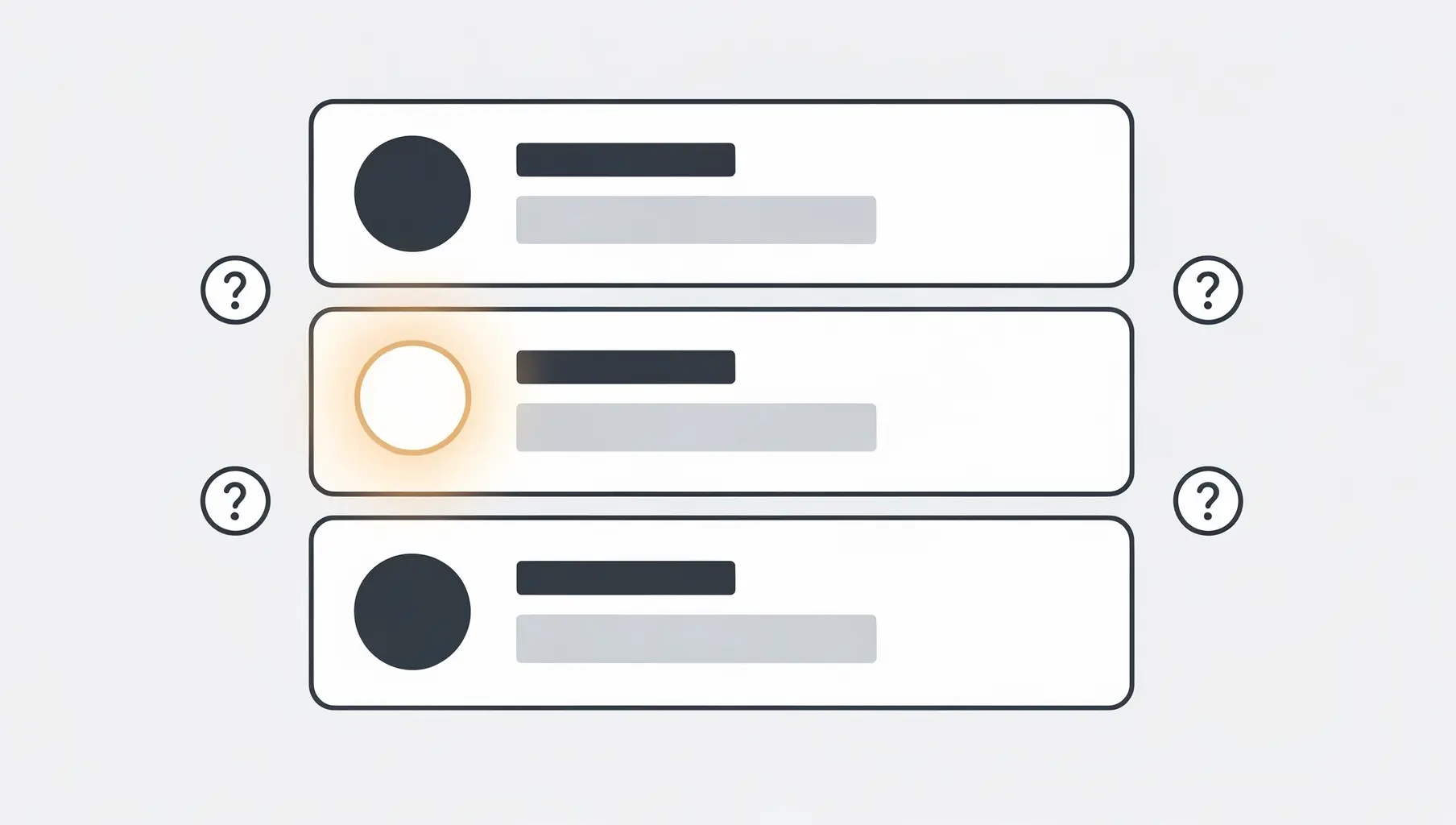
You have decided to implement BIMI. You want your brand logo appearing in Gmail, Yahoo, and Apple Mail inboxes. You start looking into the requirements and discover the first one: DMARC at enforcement.
This is not optional. BIMI will not work with DMARC at p=none. Your policy must be p=quarantine or p=reject before email clients will even look at your BIMI record.
This requirement exists for good reason, and understanding why will help you appreciate the value of the enforcement journey itself.
Why BIMI Requires Enforcement
BIMI displays your verified brand logo to signal trust. When a recipient sees your logo, they should be confident the email genuinely comes from your organization.
Now imagine BIMI worked without enforcement. An attacker could spoof your domain, send phishing emails, and those emails could potentially display your logo. The trust signal would become meaningless, even dangerous.
DMARC enforcement closes this gap. At p=quarantine or p=reject, receiving email servers actively block or flag messages that fail authentication. This means only emails that pass SPF or DKIM (and align with your domain) get delivered normally.
BIMI builds on this foundation. Since unauthorized emails are already being filtered, displaying your logo on the remaining authenticated emails makes sense. The logo confirms what DMARC already enforces: this email is legitimately from you.
The Enforcement Prerequisite
Specifically, BIMI requires:
- DMARC policy of
p=quarantineorp=reject - Percentage at
pct=100(or omitted, which defaults to 100) - SPF and DKIM both passing and aligned for your sending sources
Check your current status with our DMARC Checker. If you see p=none, you have work to do before BIMI becomes possible.
Getting to Enforcement
The path from p=none to p=reject involves three main phases.
Phase 1: Monitor and Discover
At p=none, your DMARC policy tells receiving servers to deliver all email but send you reports about authentication results. These aggregate reports reveal who is sending email as your domain.
You will likely discover:
- Your own mail servers and email services
- Marketing platforms (Mailchimp, HubSpot, SendGrid)
- Transactional email providers
- CRM systems
- Sometimes, unauthorized senders (spoofing attempts)
The goal is identifying every legitimate sender so you can authorize them.
Phase 2: Authorize Legitimate Senders
Each legitimate sender needs proper SPF and DKIM configuration:
SPF: Add each sender’s include mechanism to your SPF record. For example, include:_spf.google.com for Google Workspace or include:sendgrid.net for SendGrid.
DKIM: Configure DKIM signing for each sender. Most email service providers have setup guides for this. You typically add CNAME or TXT records to your DNS and enable signing in the provider’s dashboard.
The challenge is coordinating with every team and vendor that sends email from your domain. Marketing uses Mailchimp. Sales uses HubSpot. Engineering sends alerts through SendGrid. IT sends from Google Workspace. Each one needs authorization.
This coordination is where most organizations slow down. Verkh’s Apex dashboards help by showing exactly which senders are failing authentication and providing shareable reports you can send to vendors.
Phase 3: Move to Enforcement
Once your DMARC reports show high pass rates across all legitimate senders, you are ready to enforce.
The conservative approach:
- Move to
p=quarantinewithpct=10 - Monitor for a week, check for delivery issues
- Gradually increase percentage: 25%, 50%, 75%, 100%
- After stable quarantine at 100%, move to
p=reject - Repeat the gradual percentage increase
This phased approach catches any senders you missed before they become delivery emergencies.
Common Blockers
Several issues commonly delay enforcement:
Unknown third-party senders: Someone in the organization signed up for a service that sends email from your domain. You do not know about it until DMARC reports reveal failures. Track down the owner, authorize the sender, or stop the service.
Legacy systems: Old applications sending email without modern authentication. These require either upgrading the application, routing through an authenticated relay, or accepting that some systems cannot be authorized.
Vendor delays: You ask a vendor to enable DKIM signing. They say it will take three weeks for their engineering team to configure. Meanwhile, your enforcement timeline slips.
Forwarding and mailing lists: Email forwarding breaks SPF. Mailing lists often rewrite messages in ways that break DKIM. These legitimate use cases require understanding the failure patterns in your reports.
The Timeline Reality
How long does enforcement take? The honest answer: it depends.
Simple organizations with one email platform and no third-party senders can reach enforcement in 2-3 weeks. Complex enterprises with dozens of sending sources, global IT teams, and legacy systems may take 2-6 months.
The work is front-loaded in discovery and authorization. Once you have identified and configured all senders, the actual policy changes are straightforward.
BIMI as the Reward
Think of BIMI as the reward for completing the enforcement journey. You invested effort in understanding your email ecosystem, authorizing legitimate senders, and protecting your domain from spoofing.
BIMI makes that investment visible to your recipients. Every email they receive shows your verified brand logo, reinforcing both your brand recognition and your commitment to email security.
The prerequisite exists because trust must be earned. DMARC enforcement earns that trust. BIMI displays it.
Ready to Start?
If you are at p=none and want to reach enforcement for BIMI:
- Check your current DMARC status with our DMARC Checker
- Review your DMARC aggregate reports to identify all senders
- Work through authorization for each legitimate sender
- Progress through quarantine to reject
Once at enforcement, follow our BIMI Setup Guide to configure your brand logo.
Verkh monitors your DMARC continuously and alerts you when authentication issues arise, helping you maintain enforcement and keep BIMI working reliably.
Related Articles
October 2025
What Is BIMI? Brand Logos in Email Explained
BIMI displays your brand logo next to emails in supporting inboxes. Learn the requirements and whether it's worth it.
January 2026
BIMI FAQ: Brand Logos in Email Inboxes
Answers to common BIMI questions: VMC certificates, SVG requirements, email client support, costs, and troubleshooting.

May 2026
RFC 9989: The New DMARC Standard, Explained
DMARC is now an Internet Standard. RFC 9989 obsoletes RFC 7489: a DNS Tree Walk replaces the PSL, the pct tag is removed, and more. Here's what changed.
Ready to implement this?
Verkh helps you monitor DMARC, identify issues, and reach enforcement. Start free.
Start Free